H•earrings App
Smart Hearing Aid Control App
H•earrings App
Why an App
one-tap modes optimized for Normal, Restaurant, Outdoor, and Music.
link both ears or adjust left/right independently for perfect balance.
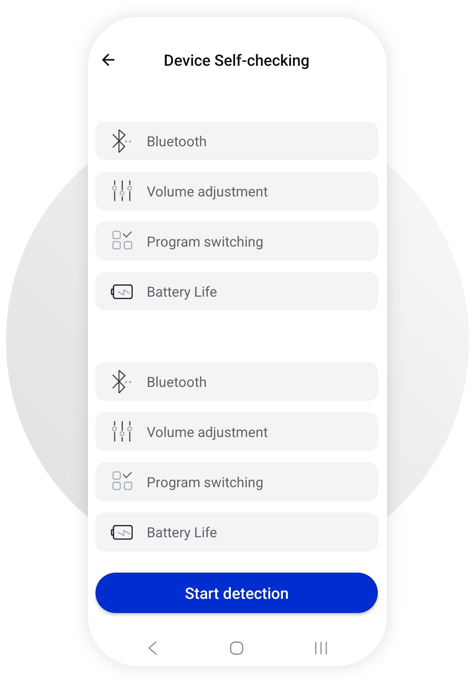
a guided Device Self-test checks Bluetooth, volume control, program switching, and battery health.
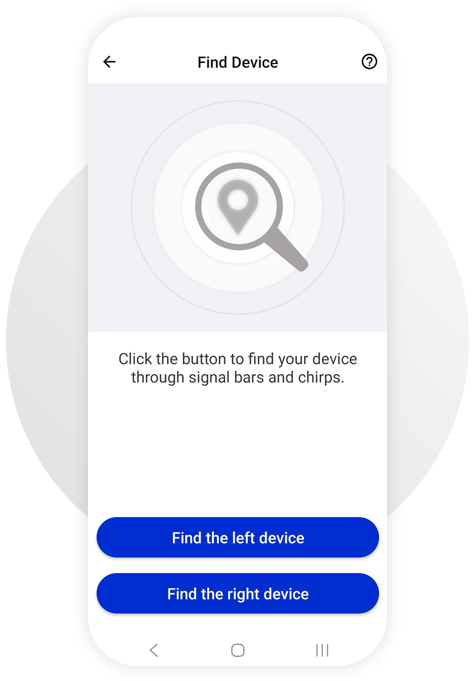
Find Device guides you with signal bars and chirps for the left or right aid.
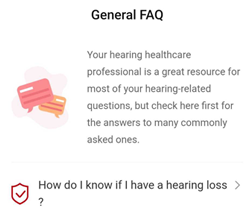
a friendly General FAQ explains what to expect and how to get the best results.
Features

Live Program Control
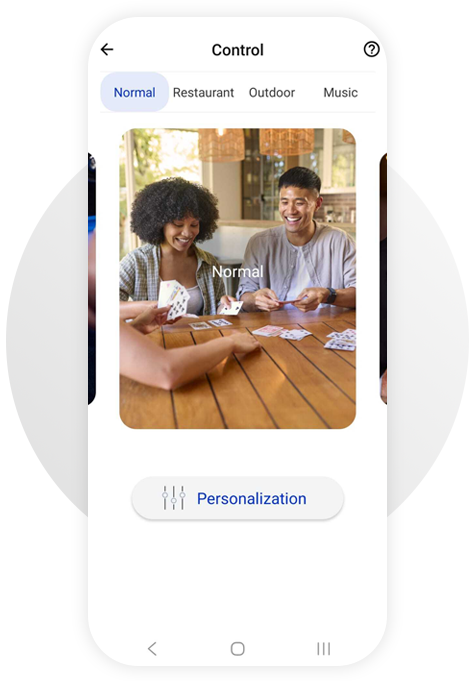
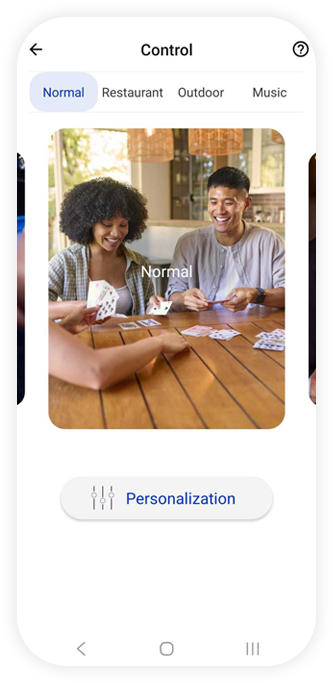
Switch between Normal, Restaurant, Outdoor, and Music right from the Control screen. Each program tailors microphones and processing for the environment.
Per-Ear Fine-Tuning
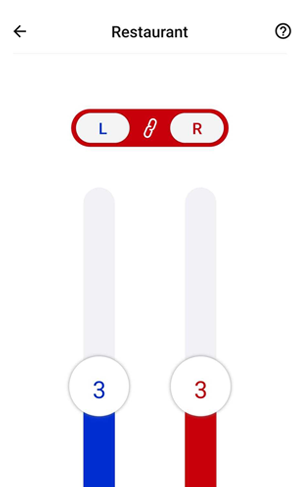
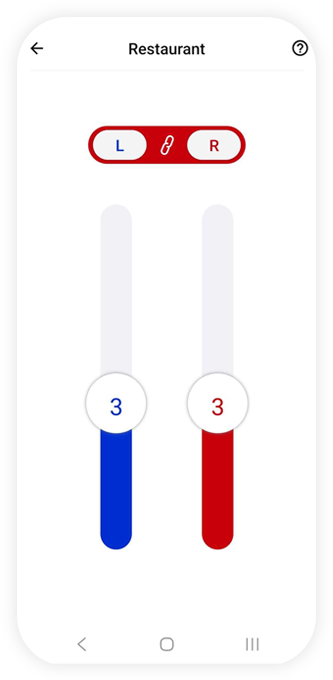
Use the L/R sliders (link or unlink) to nudge volume precisely in busy places—without affecting the other ear.
Personalization
Tap Personalization to go beyond presets and customize to your comfort in any situation.
Connected at a Glance
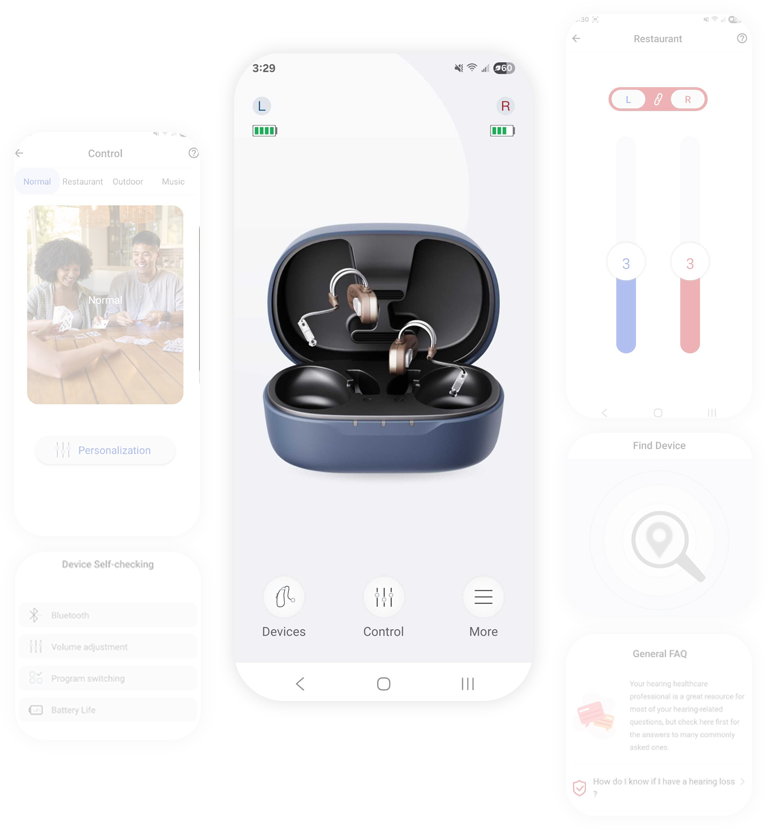
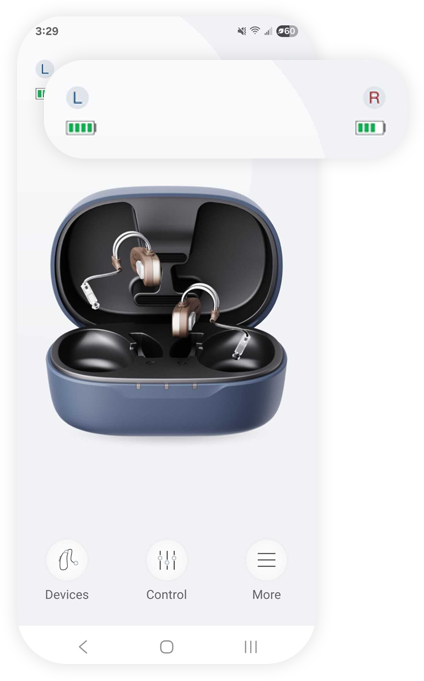
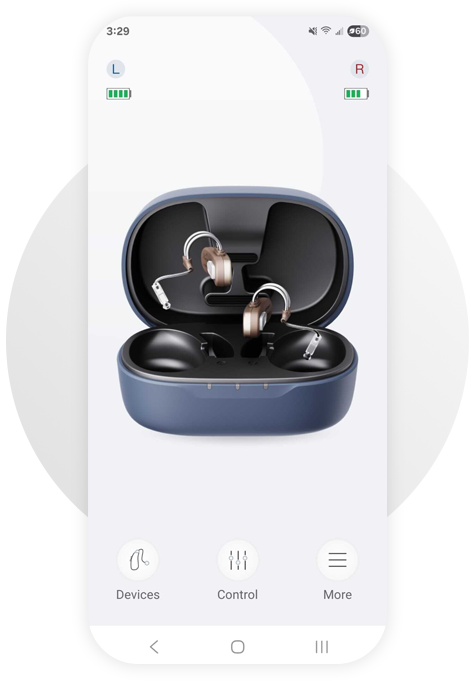
The Home screen shows your case and devices with Left/Right battery indicators and connection status, so you know you’re ready for the day.
Device Self-test
Run a quick diagnostic: Bluetooth connection, volume adjustment, program switching, and battery life—then fix issues before they become problems.

Find Device
Can’t see your aid? Trigger a chirp, follow signal bars, and choose Find the left device or Find the right device to bring it back fast.
In-App General FAQ
Clear answers to the questions you actually ask: first-time wearing, soreness, tinnitus concerns, and more.

How It Works

Pair & Connect
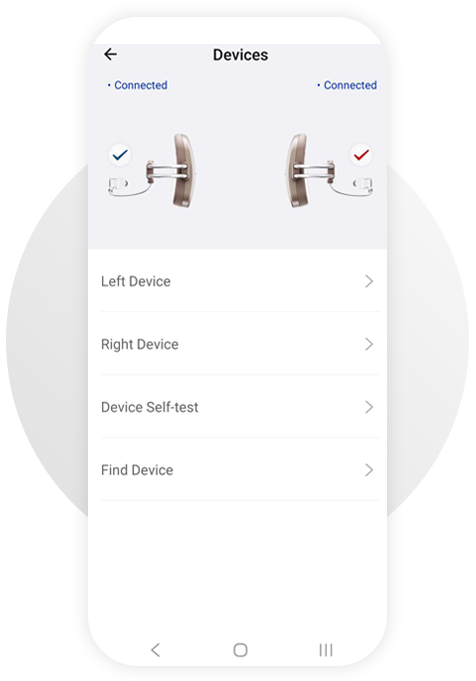
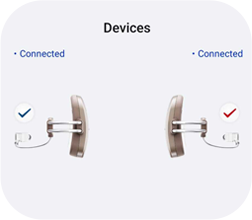
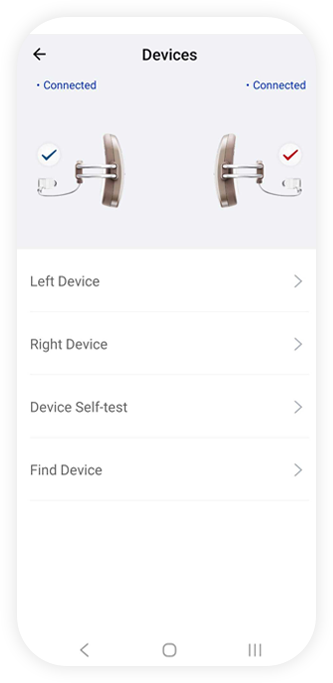
Open H•earrings App; the Devices screen confirms each aid is Connected and shows Left/Right status.
Pick Your Program
From Control, tap Normal, Restaurant, Outdoor, or Music. The app applies optimized settings instantly.
Personalize on the Spot
Use the linked/unlinked sliders for fine tweaks per ear and tap Personalization for deeper comfort adjustments.
Benefits You’ll Notice
Social Proof / Trust (placeholder)


Support & Education
How do I know if I have a hearing loss?
Will a hearing aid restore my hearing like eyeglasses do for vision?
What should I know when wearing a hearing aid for the first time?
Will my ears feel sore after wearing a hearing aid all day?
Could a hearing aid make my tinnitus worse?
Contact Support or speak to your hearing-care professional directly from the app.

Compatibility
H•earrings App works with compatible Bluetooth-enabled hearing aids. Requires iOS/Android with Bluetooth Low Energy.

Privacy & Safety
- Your data stays protected and is never sold.
- H•earrings App supports better daily hearing but is not a medical device. Always consult your hearing-care professional for clinical advice.
Ready to hear your day, your way?
Screen-by-Screen Explanations
Home
Key elements: Case visualization, L/R markers, battery bars, quick access to Devices, Control, and More.
Alt text: “App home showing open charging case, left/right hearing aids, and battery levels.”
Devices
Alt text: “Devices screen with left/right hearing aids marked connected and menu options.”
Device Self-checking
Alt text: “Device self-check list with Bluetooth, volume adjustment, program switching, battery life.”
Find Device
Alt text: “Find Device screen with buttons for left or right and instructions.”
Control
- Normal: Everyday clarity at home or with friends, with quick access to Personalization for comfort tweaks.
- Restaurant: Focus on conversation in busy places while background distractions fade. Fine-tune with L/R sliders—link both ears or adjust individually.
- Outdoor: Stay present outside with optimized settings that preserve speech clarity in dynamic environments.
- Music: Enjoy richer sound where fullness and detail bring performances to life.
Alt text: “Control screen showing Normal, Restaurant (with left/right volume sliders), Outdoor, and Music programs with Personalization option.”